


A capsule wardrobe app is useful only when it makes the next decision clearer: what to keep, what can repeat, and what is a genuine gap. This guide compares seven established options through documented access conditions and the capsule job each one can realistically support.
Choose by the job that makes your capsule fail: Beauty AI for wardrobe visibility and outfit feedback, Cladwell for a daily capsule routine, Whering for visual planning, and Stylebook for hands-on iPhone planning.
Disclosure: Beauty AI publishes this guide and is included as the publisher’s product. This is a comparison of public documentation, not a controlled hands-on test.
For the product workflow, see the capsule wardrobe app; for a practical build, see the AI capsule wardrobe planner.
Choose by the capsule job—not a generic “best” label
| App | Platform | Free / paid condition | Capsule-specific use | Meaningful trade-off |
|---|---|---|---|---|
| Beauty AI | iPhone, Android | 50 wardrobe items free; Premium for AI styling | Wardrobe visibility and outfit feedback | Manual capsule selection, not automatic curation |
| Cladwell | iPhone, iPad, Android | Free closet; paid stylist/AI monthly allowance | Daily outfits from owned clothes | Paid AI and device-specific availability |
| Whering | iPhone, Android, web | Core closet free; Style Pass unlocks Outfit Maker | Visual plans, packing and paid Outfit Maker access | Needs maintained wardrobe data; confirm current in-app access |
| Acloset | iPhone, Android | Up to 100 items free; paid access beyond offer limits | Fast closet intake and organization | Free limit can constrain a full wardrobe |
| OpenWardrobe | iOS, Android, web | Up to 500 items free; Circle membership for advanced LolaAI tools | Wardrobe value, resale and repair context | Broader scope than simple outfit planning |
| Stylebook | iPhone, iPad | US$4.99 one-time US price in FAQ | Manual canvas, calendar and packing | Deliberately manual; iOS only |
| Alta Daily | iPhone, iPad, Android | Currently free | AI-led daily outfit planning | Suggestions still need human fit and occasion judgment |
Beauty AI

Beauty AI is the publisher’s own app. It has a 50-item free wardrobe allowance, with Premium required for AI styling features, and is available on iPhone and Android. Use it when the hard part is seeing the clothes you already own, asking whether a specific look works, and deciding whether a purchase earns a place in several outfits.
For a capsule, select the pieces yourself, then ask for feedback on real combinations. Beauty AI does not automatically curate a capsule, which is a useful trade-off for someone who wants to keep personal judgment over the edit. Start with three repeatable looks and let the feedback reveal a missing role before adding another item.
Cladwell
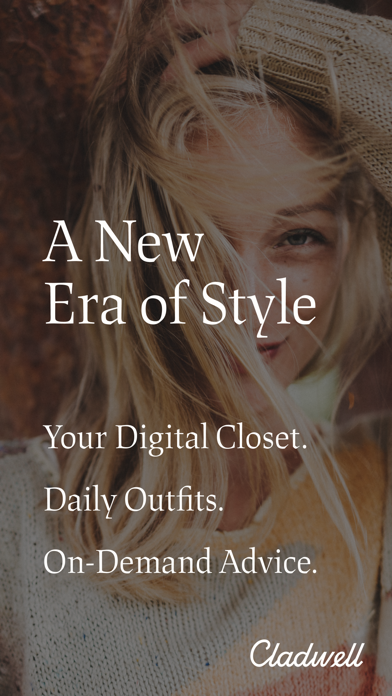
Cladwell offers a free closet on iPhone, iPad and Android. Its product pages describe daily outfit suggestions from your own clothes; the paid stylist/AI offer uses a monthly allowance that resets on the billing date. Web subscription prices shown by Cladwell can differ from in-app offers, so the offer should be checked on the device you plan to use.
Choose Cladwell when a recurring daily prompt is more valuable than a broad wardrobe workspace. It suits someone who knows their core pieces but needs a disciplined repeat-and-review routine. The key capsule question is whether daily suggestions make your existing 12 pieces easier to wear; test that before importing every item you own.
Whering
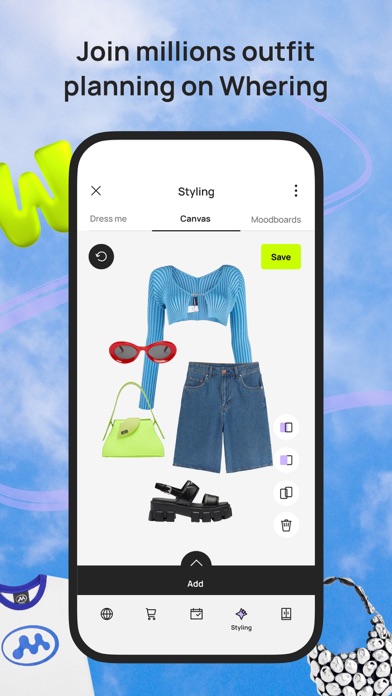
Whering is a digital-wardrobe option available on iPhone, Android and web, built around visual outfit planning, calendar-style organization and packing. Its core closet is free to use, but the current App Store listing describes Style Pass for Outfit Maker and lists Outfit Maker as an in-app purchase. Check the offer in your region and on your device before choosing it for that workflow.
Pick Whering if you enjoy assembling looks visually and will keep item details current. Its visual planning can make repeats, combinations and trip packing easier to see rather than relying on memory. That maintenance is the trade-off: a detailed wardrobe only stays useful if colours, categories and worn looks remain reasonably accurate. It is less suited to someone who wants an app to choose a capsule without doing setup and ongoing wardrobe editing.
Acloset
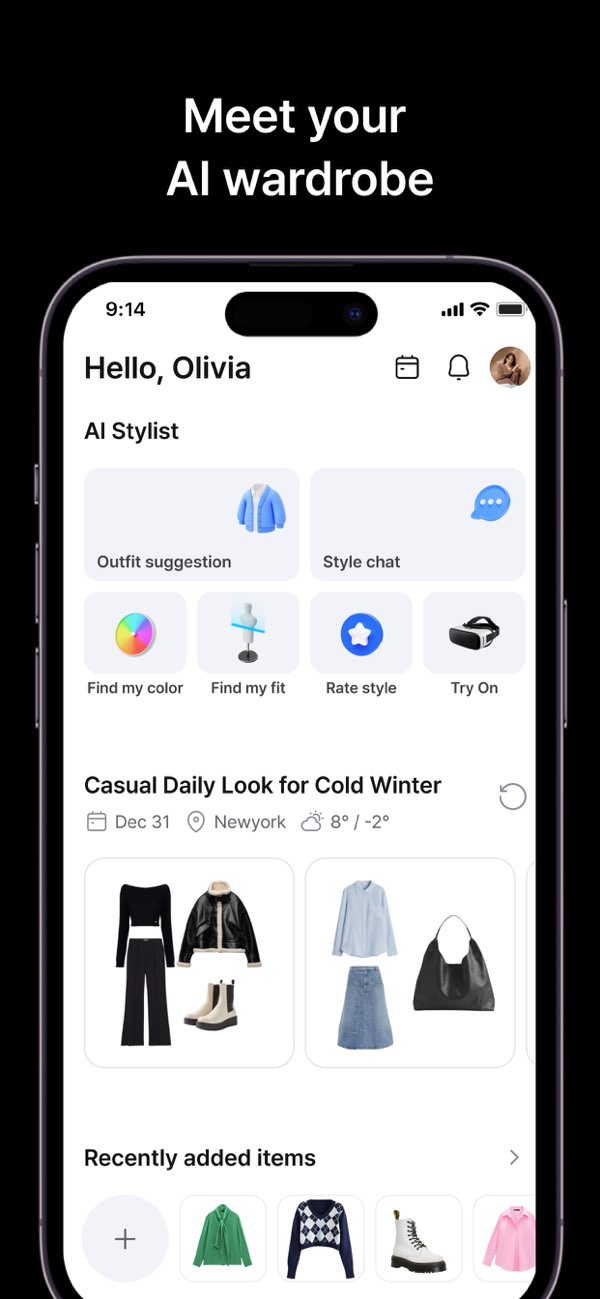
Acloset supports iPhone and Android, and its support material states that the free plan allows up to 100 clothing items. It is designed to make digital-closet intake and organization faster, with paid access needed once the free capacity or advanced features no longer fit the wardrobe.
It is a sensible choice when photographing or adding clothes is the main blocker. For a capsule, 100 items can be enough for a focused seasonal test but may be restrictive for an entire wardrobe. Define the capsule first; do not treat a fast import as a reason to catalogue every forgotten item in the back of the closet.
OpenWardrobe
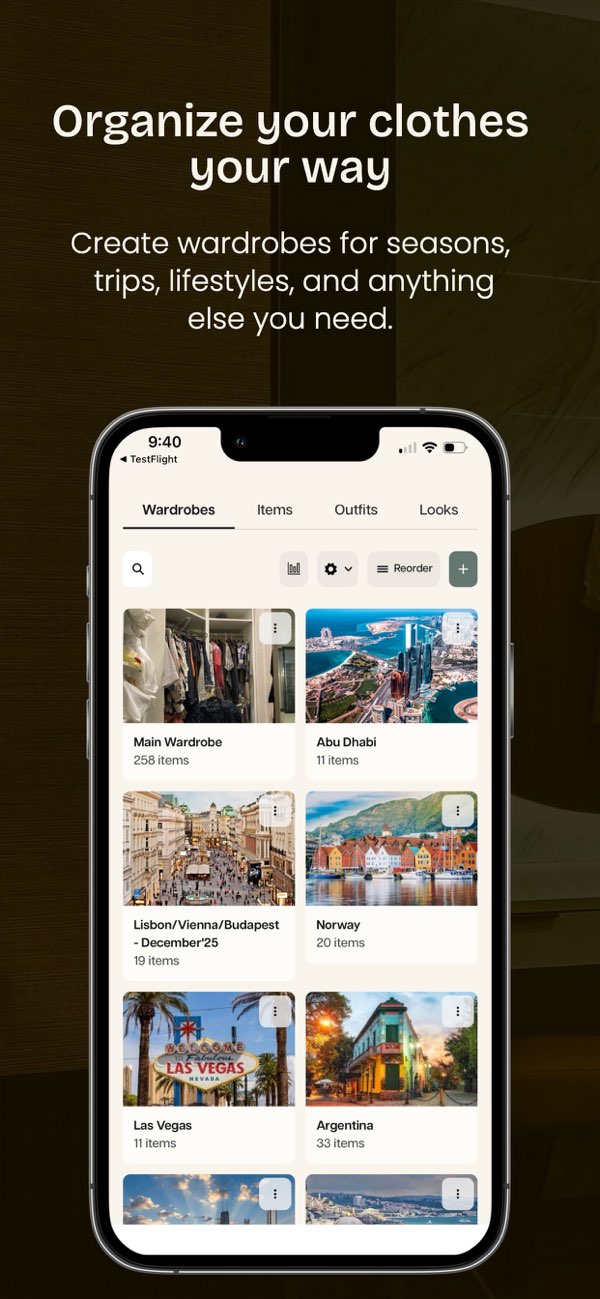
OpenWardrobe is available on iOS, Android and web, provides a 500-item free wardrobe limit, and offers Circle membership for advanced LolaAI tools and recommendations. Its wardrobe view also extends to value, resale and repair context, so it can support a longer-term decision about what a smaller wardrobe is worth and how it is actually used.
Choose it when the capsule decision is tied to care, resale or garment value—not only tomorrow’s outfit. The trade-off is scope: those extra considerations can be valuable, but they are more than a person needs for a simple 12-piece planning exercise. Confirm local availability and current Circle membership terms before subscribing.
Stylebook
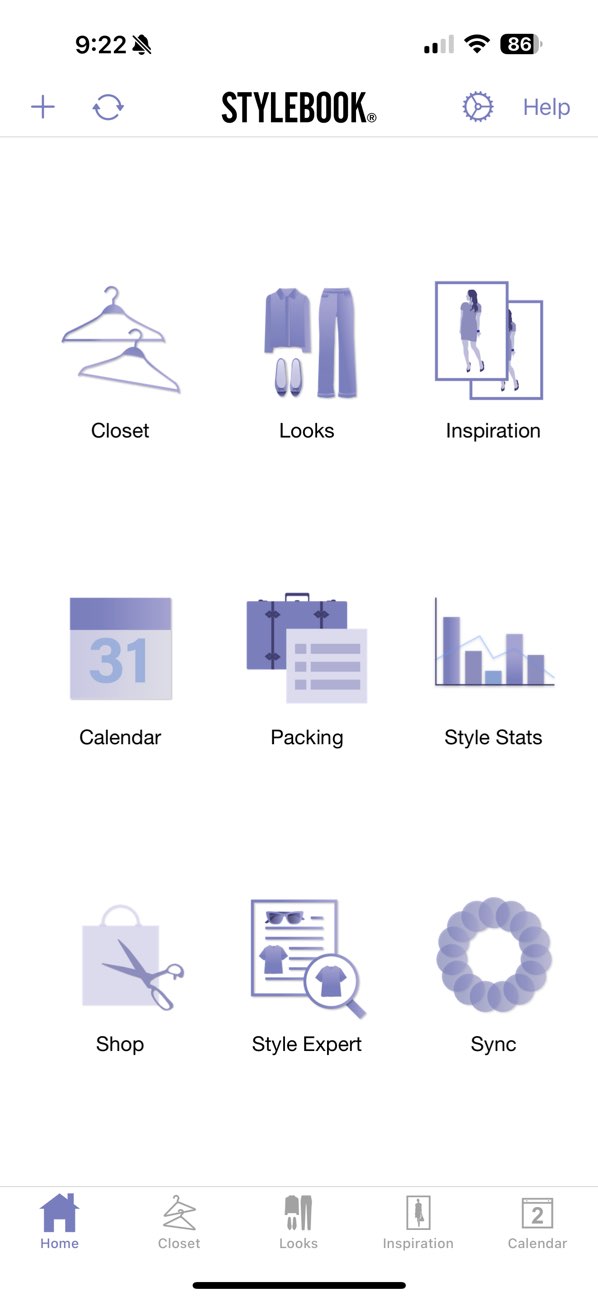
Stylebook is an iPhone and iPad app with a manual outfit canvas, calendar, packing lists and wardrobe statistics. Its official FAQ lists a US price of US$4.99 as a one-time purchase; exact store price should be checked locally. The core workflow does not depend on a subscription-style AI recommendation layer.
Choose Stylebook if you want to arrange the capsule deliberately, piece by piece, and keep a reliable history. The trade-off is time: manual entry and manual outfit building are the feature, not a shortcut. It suits a user who enjoys editing the final plan and wants the iOS-only constraint to be explicit.
Alta Daily
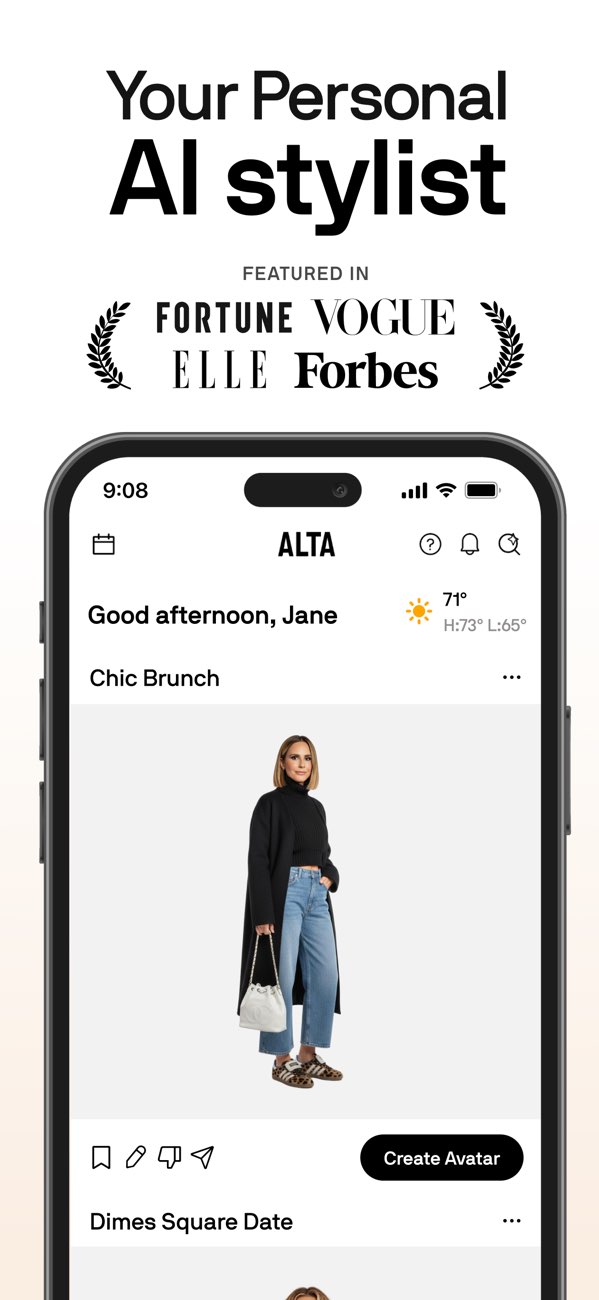
Alta Daily is currently free and available on iPhone, iPad and Android. Its proposition is AI-led outfit planning, making it relevant when the capsule is already defined and the daily question is which combination to wear. Its automated suggestions can speed up that decision, but cannot replace your own judgment about fit, comfort, dress code or the occasion.
Choose it when you want planning suggestions across the wardrobe rather than a manual canvas. Try one real outfit before saving it, then begin with 12 representative pieces instead of moving the whole closet at once. A capsule app should reduce choices, not create another lengthy setup project.
Test a 12-piece capsule before moving your whole closet
Use exactly three tops, two bottoms, two layers, three pairs of shoes, one weather piece and one occasion piece. The three looks below use only those named roles, so you can see whether the system repeats rather than merely looks good in a list.
- Build the 12 roles: white tee, oxford shirt, knit, dark trousers, jeans, overshirt, blazer, sneakers, loafers, boots, rain layer and dinner top.
- Make three formulas: white tee + dark trousers + sneakers + overshirt; oxford shirt + dark trousers + blazer + loafers; knit + jeans + overshirt + boots.
- Wear or save one formula. The point is to learn whether a repeat feels easy, not merely possible in the app.
- Buy only for a proven gap. Add an item only if it improves at least three of these 12-piece outfits.
How this comparison was made
We checked public product pages, support pages, FAQs and current store information on November 2, 2026. Features, prices, limits and device availability can change; this listing is not a controlled product test.
Bottom line
Start with the app that removes your main friction, use a representative 12-piece set, and check platform, price, export and account terms before moving your whole closet.


