


The right Acloset alternative depends on what you want to change. I would shortlist Fits or Indyx for a large free clothing catalog, Stylebook for an iPhone wardrobe without a subscription, and Beauty AI for outfit feedback alongside planning and photo search. Whering, OpenWardrobe and GetWardrobe offer different ways to organize and use your clothes. Start with your reason for switching, not the longest feature list.
I’m David Voskanyan, founder and CTO of Beauty AI. I put Beauty AI first for its combination of styling tasks, not as an independent performance award. This comparison uses official product information checked on October 12, 2026, developer screenshots and my editorial assessment. It does not claim a new hands-on test of every app.
Before leaving Acloset, identify the actual limitation
Acloset’s published free allowance is 100 clothing items. Its support also describes weather-aware outfit suggestions and AI-assisted registration. If capacity is your problem, compare storage limits; if suggestions disappoint, check your clothing categories and missing pieces first. Moving to another app with the same incomplete wardrobe may reproduce the problem. Write down one requirement the replacement must meet before uploading your clothes again.
Acloset’s official allowance and troubleshooting guidance
If your shortlist is already down to two apps, compare their workflows before rebuilding your closet: Beauty AI vs Acloset: the two-app comparison.
Acloset alternatives: free access and important trade-offs
Free storage, AI usage and personal styling are separate services. Conditions below were checked October 12, 2026. Subscription prices and offers vary by country and account; check the actual checkout before paying.
| App | Devices | Free access / paid boundary | Choose it for |
|---|---|---|---|
| 1. Beauty AI | iOS / Android | Free download; limited AI use; paid plans available | Outfit feedback, planning and photo search |
| 2. Whering | iOS / Android | Free core closet; Style Pass for Outfit Maker | Visual boards and social styling |
| 3. Fits | iOS / Android | Unlimited items and outfits free; AI styling in Pro | Escaping a clothing-item cap |
| 4. Indyx | iOS / Android | Unlimited core items and outfits; premium tools and stylists extra | Cataloging with optional human advice |
| 5. OpenWardrobe | iOS / Android / Web | 500 items free; Circle expands capacity and AI access | Separate wardrobe collections |
| 6. Stylebook | iPhone / iPad | Paid once; US FAQ lists $4.99, not a subscription | Hands-on planning without recurring fees |
| 7. GetWardrobe | iOS / Android / macOS / Web | 100-item free tier; Premium and some AI credits separate | Working across phone and computer |
7 apps like Acloset, with a reason to choose each
1. Beauty AI — outfit decisions beyond cataloging
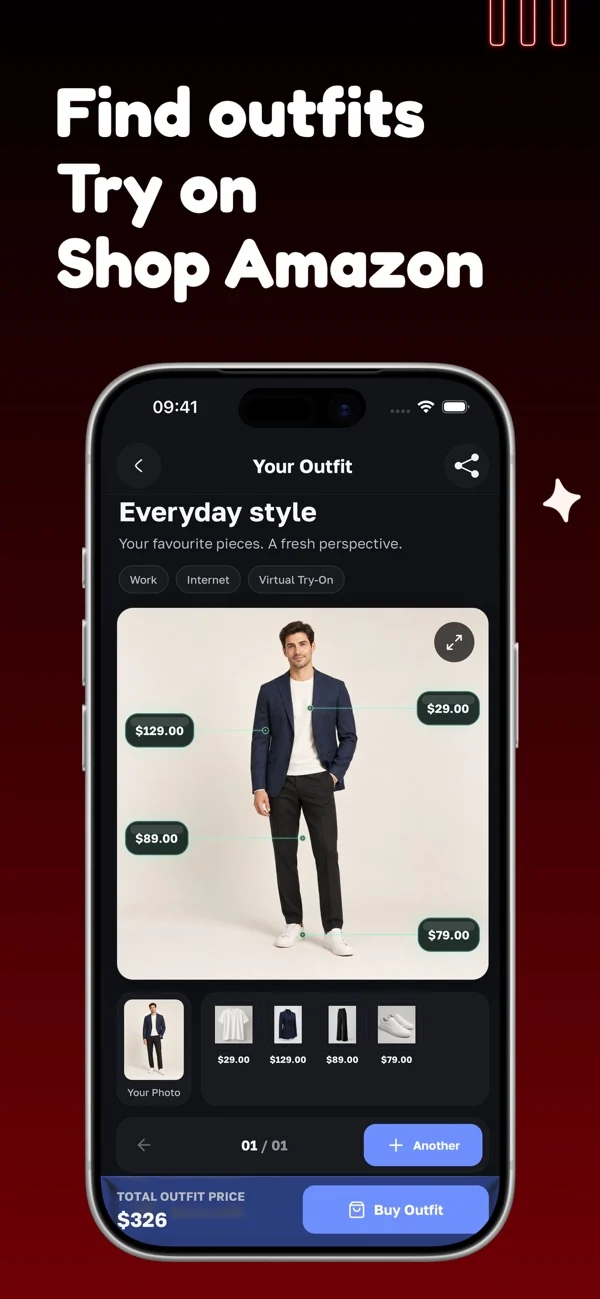
Beauty AI brings wardrobe planning, outfit feedback and clothing photo search into one app. I would choose it when the question is not just “where did I save this shirt?” but “how do I make this outfit work?” Free AI usage is limited; it is not a promise of unlimited free styling.
Start with an outfit you already wear and name the occasion. For a casual dinner, ask what to change while keeping your trousers and shoes. A useful answer should help you choose a layer or adjust the formality, rather than send you shopping for a whole look. Photo search makes sense when a genuinely missing piece needs identifying.
The trade-off: AI cannot confirm physical fit or fabric feel from a photo. Check the recommendation against your comfort, weather and dress code. If your only requirement is unlimited free clothing storage, compare the catalog-focused choices below first.
If advice matters more than catalog capacity, compare the different kinds of styling help in AI stylist apps: compare different kinds of outfit advice.
2. Whering — visual planning and shared wardrobes
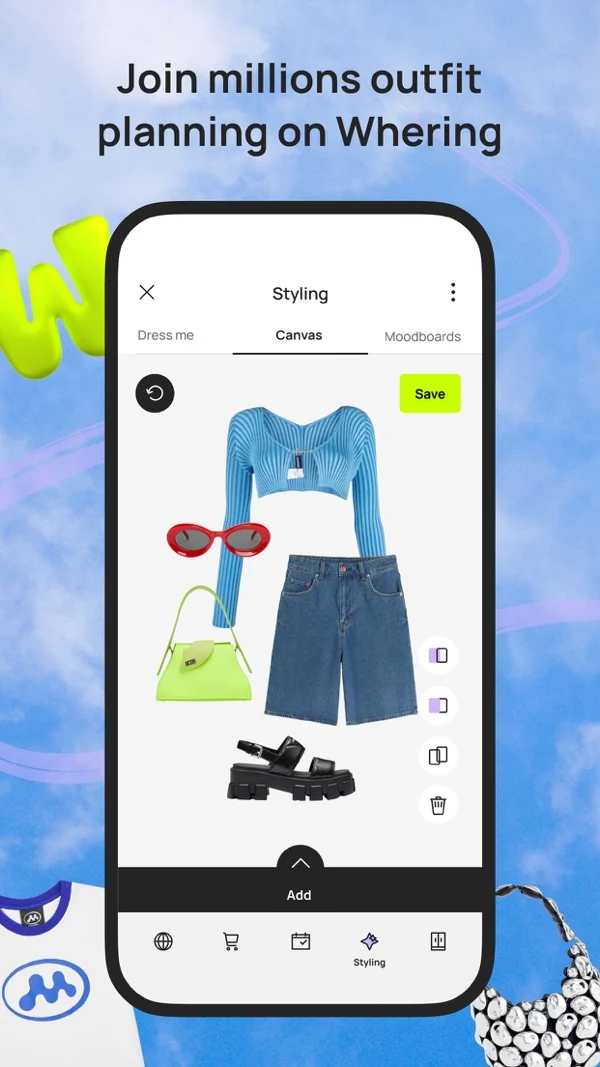
Whering combines outfit boards, packing tools and social wardrobes. Its official listing distinguishes the free core closet from Outfit Maker, which uses a Style Pass. It also lets people explore friends’ closets; it is not simply a private photo album.
I would shortlist it if arranging pieces visually is how you think. Put your real shoes next to the trousers and top, then save the combination you would actually wear. This is especially useful when you keep forgetting a workable outfit after wearing it once.
The trade-off: a board still needs your judgment about proportions and comfort. Decide whether you want social sharing, and review visibility settings before adding personal photos. Do not choose it on the assumption that every AI feature is free.
3. Fits — a larger free clothing catalog
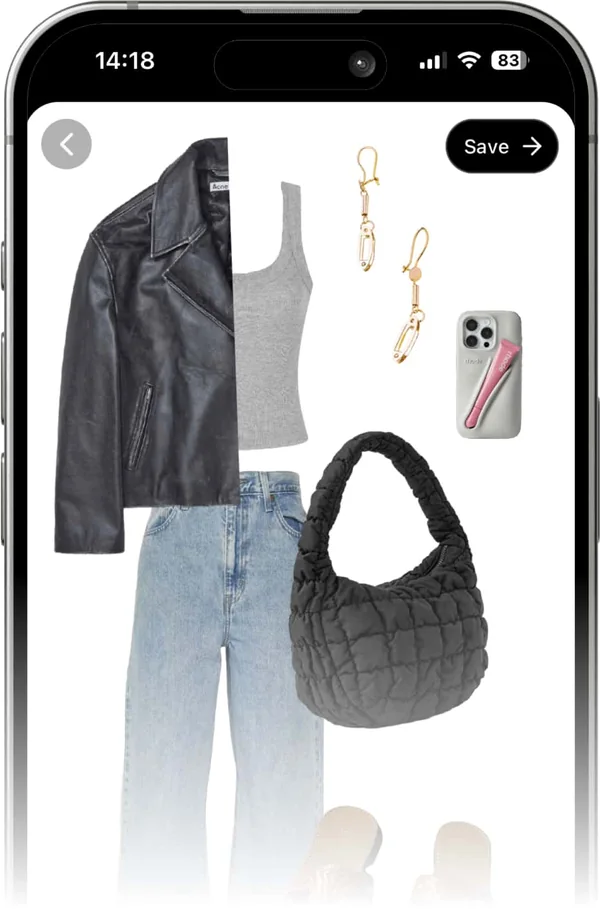
Fits documents unlimited free clothing items and outfits. Its paid Pro tier includes AI styling, while the basic wardrobe supports visual outfit creation. That makes it a clear candidate when the reason for leaving Acloset is the item ceiling rather than the quality of advice.
Think about future maintenance, not just the first upload. Add a patterned garment, a plain basic and an accessory; see whether you can find them by the labels you naturally use. A system you can keep organized matters more than a catalog with hundreds of forgotten entries.
The trade-off: unlimited storage is not unlimited free AI. Check Pro separately if automated suggestions are the reason you are switching. Avoid rebuilding your entire wardrobe before confirming that the daily planning workflow suits you.
4. Indyx — a free catalog with human help available
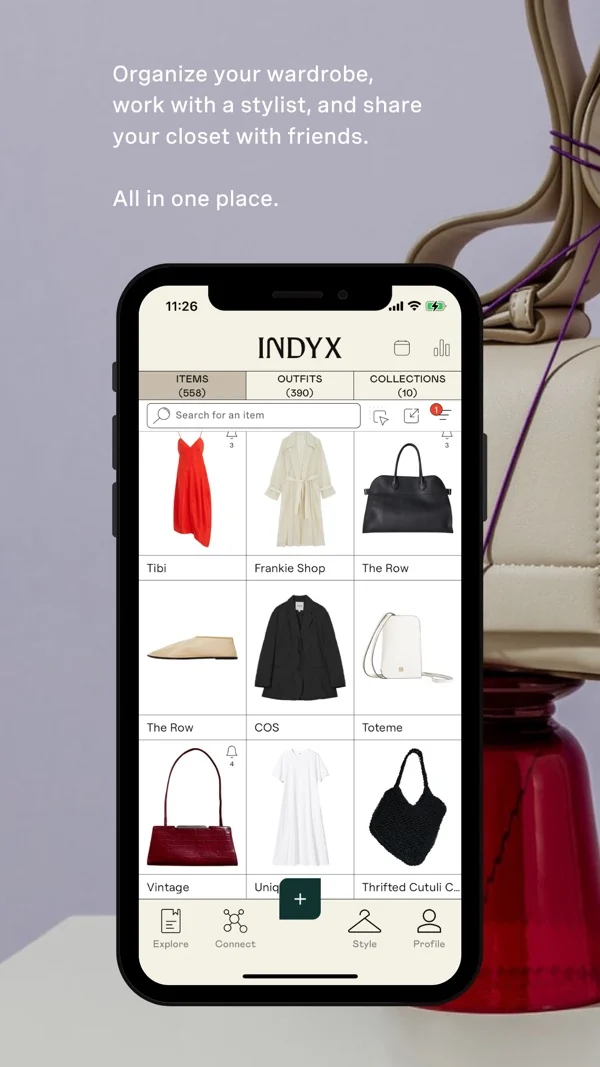
Indyx offers unlimited core wardrobe items and outfits under its terms, with optional Insider features and paid personal styling. It is worth considering when your next step might be a conversation with a stylist rather than another generated outfit.
For example, prepare a brief around a return to the office: what you own, the dress code, items you will not wear and whether shopping is allowed. A clear brief makes a human service easier to assess. Ask what the chosen service delivers rather than treating all stylist packages as equivalent.
The trade-off: professional advice is separate from free cataloging and may not be instant. If you only want to record outfits, evaluate the free wardrobe on that basis. You do not need to buy styling to justify organizing your clothes.
5. OpenWardrobe — separating everyday, seasonal and travel clothes
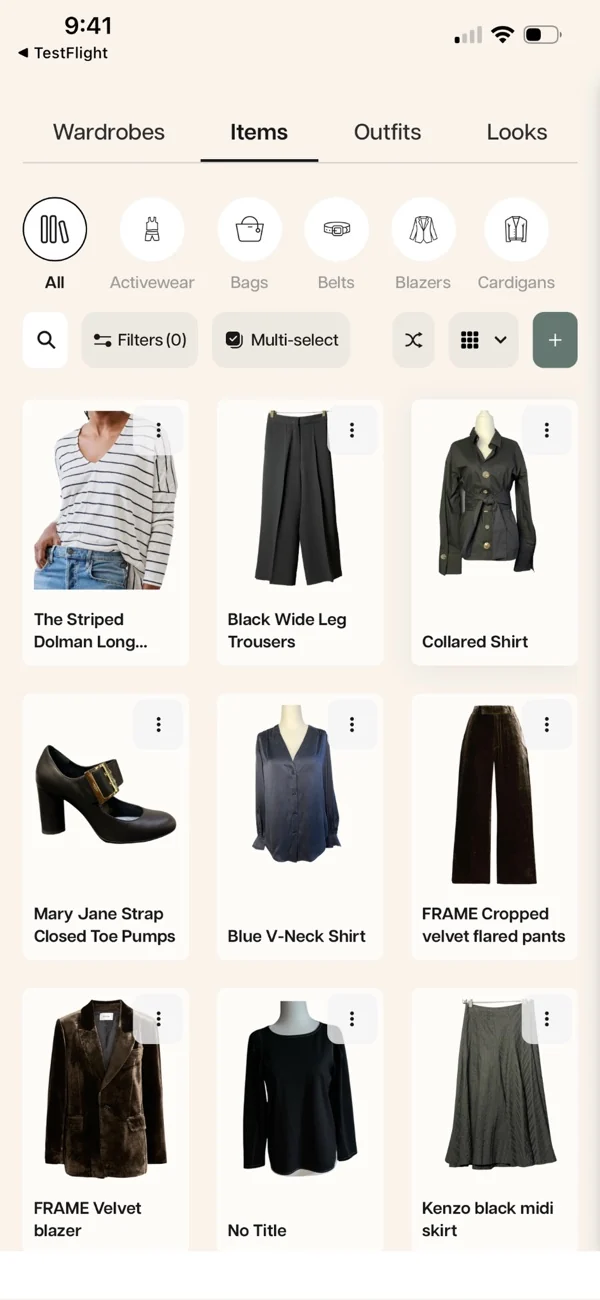
OpenWardrobe lists a 500-item free allowance and multiple wardrobe collections. Circle adds capacity and premium access, while LolaAI supplies styling support. It is an alternative for people who need more structure than a single long clothing feed.
Use collections to solve an availability problem: clothes stored elsewhere, a work capsule or pieces packed for a trip. A trip wardrobe should contain what will actually be in the bag, not everything that could theoretically match. That keeps outfit decisions realistic.
The trade-off: wardrobe capacity and AI allowances are different. More folders do not automatically mean less effort; start with a small number that reflects your life. Check the current Circle offer if frequent AI recommendations are essential.
6. Stylebook — iPhone planning with a one-time purchase
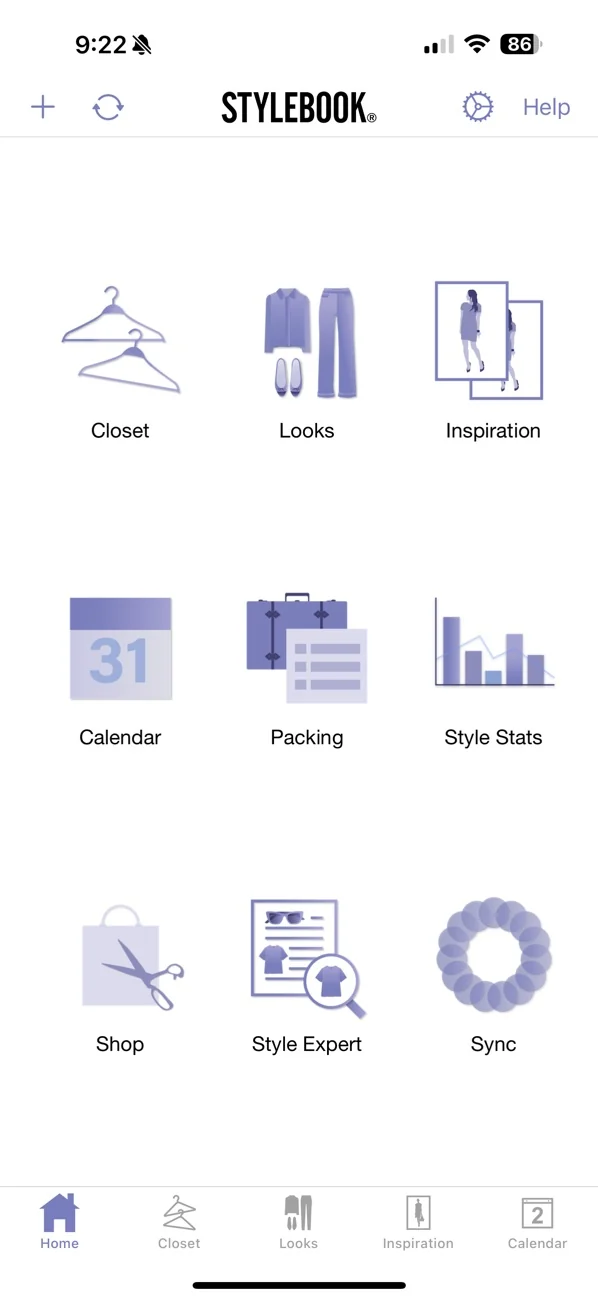
Stylebook is for iPhone and iPad. Its official FAQ lists a one-time US price of $4.99, along with Outfit Shuffle and AI background removal. Calling it entirely manual would miss those tools; it is nevertheless a different proposition from a conversational stylist.
I would consider it if recurring subscriptions are the main objection. Build a few dependable combinations, record when you wear them and refine your own outfit library. A familiar outfit that reliably works on a busy morning can be more valuable than an endless stream of new suggestions.
The trade-off: it is not an Android option. Confirm the current local purchase price and backup arrangements before committing. Do not confuse buying the app once with a guarantee that every future service or device will be supported.
7. GetWardrobe — a wardrobe you can manage on a computer
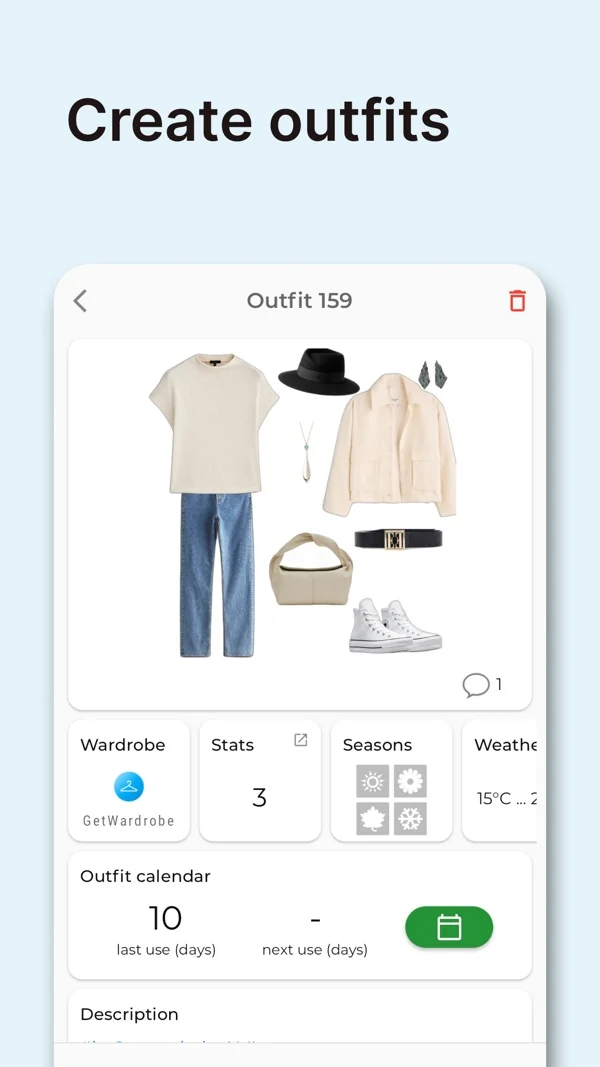
GetWardrobe works across mobile, macOS and the web. Its free tier has a 100-item limit; US Premium is listed at $9.99 monthly or $49.99 annually. Some advanced AI tools use separate credits. It is a device-flexibility alternative, not a free escape from every storage cap.
A larger screen can help when organizing many similar items or preparing outfits at a desk. Consider whether you will actually use that workflow: the best platform range is irrelevant if you only open the app while standing in front of your wardrobe.
The trade-off: calculate the cost of the features you need, not just the advertised monthly equivalent of an annual plan. Check whether your intended AI actions consume credits even after upgrading. An annual charge and a monthly subscription are different commitments.
Which alternative fits your reason for switching?
- Too many clothes for the free tier? Start with Fits and Indyx. Check OpenWardrobe if a 500-item allowance is sufficient. Count shoes and accessories as well as clothing before deciding.
- Better outfit help? Compare Beauty AI for photo-led feedback, Whering for arranging looks visually and Indyx if you prefer a person’s advice. These solve different problems.
- No recurring subscription? Consider Stylebook on iPhone or iPad. If you use Android, compare the ongoing free features of the other options instead of paying for an unsuitable platform.
- Need desktop access? Shortlist GetWardrobe and OpenWardrobe. Check that the tasks you repeat are available on the device you intend to use.
If you have not used a digital closet yet, start with the broader overview rather than choosing only by what Acloset lacks: Virtual closet apps: compare the wider category.
How to switch without losing your wardrobe work
Do not assume that any of these apps can import an entire Acloset account. An image, a saved outfit and a wear-history record are different kinds of data. I have not verified a complete one-click transfer between Acloset and these alternatives.
- Keep the originals. Locate your clothing photos and save any export that Acloset currently offers. Ask support what can be exported and in what format. Keep the old account while checking the result.
- Preserve information separately. Record important purchase prices, dates, wear counts and favorite combinations. A picture of an outfit can preserve the idea without transferring editable items or calendar history.
- Try a representative capsule. Rebuild around 10–15 frequently worn pieces, including shoes and a layer. Check adding, finding, editing and saving an outfit before spending hours on the rest.
- Inspect images and permissions. Keep recognizable colors and garment details. Review photo access and public-profile settings; a work outfit may include personal surroundings you do not want to share.
- Handle billing before deleting anything. Acloset explicitly says account deletion does not cancel a paid subscription. Manage renewal through the relevant store, retain confirmation and only delete data after verifying your new setup.
When staying with Acloset makes more sense
Stay if it already helps you get dressed and the specific limitation is small. For a wardrobe with useful history, switching has a real setup cost. Correcting a category, adding missing shoes or changing how you ask for an outfit may be enough. Compare the time needed to rebuild your wardrobe with the benefit you expect; another app is worthwhile only if it removes a recurring obstacle.
My practical starting point
Choose one ordinary weekday and one harder occasion. Use the same small set of clothes to plan both. Can you find an item, save a workable look and understand what needs paying for? Keep the app that makes those steps clearer. If outfit feedback is the missing step, start with one photo in Beauty AI before digitizing everything.
