


A shop your closet app helps you create new outfits from clothes you already own before you spend money on more. It is not just a digital closet. It is a decision system for turning forgotten pieces, basics, accessories, and old favorites into wearable outfits again.
The short answer: the best way to shop your closet is to use an AI wardrobe workflow. Upload or organize the clothes you actually wear, choose one neglected item, build at least three outfits around it, save what works, and only buy something if the same missing piece appears across multiple looks. Beauty AI is strong for this because it can help generate outfit ideas, evaluate combinations, and connect your closet to smarter shopping decisions.
This article is not another generic "stop buying clothes" lecture. It is a practical system for anyone who says, "I have clothes, but nothing to wear." You will learn how to shop your own wardrobe, run a 7-day closet challenge, spot real gaps, and reduce impulse shopping without making your style feel limited.
If you want the more technical setup workflow, read our digital wardrobe app page and the outfit maker app with your own clothes guide. If overbuying is the bigger problem, use the digital closet audit workflow and our cost-per-wear guide.
What Does "Shop Your Closet" Mean?
To shop your closet means to look at your existing wardrobe with the same curiosity you usually give a store, shopping app, or Pinterest board. Instead of asking "what should I buy?" you ask "what can I make from what I already own?"
A good shop your closet app makes that easier by showing your clothes outside the physical closet. When everything is hanging together in a crowded rail, your brain sees clutter. When items are photographed, tagged, grouped, and remixed, you can see outfits.
The goal is not to never buy clothes again. The goal is to buy later, with better information. You should shop after you know what your wardrobe can already do.
Shop Your Closet App vs Digital Wardrobe vs Outfit Planner
These tools overlap, but the goal is different. Someone searching for a virtual closet may want organization. Someone searching for an outfit planner may want a calendar. Someone searching for shop your closet app wants to get more use from existing clothes and stop unnecessary shopping.
| Tool | Main job | Best for | Where Beauty AI fits |
|---|---|---|---|
| Shop your closet app | Build new outfits from clothes you already own | Reducing impulse buys and rediscovering neglected pieces | Suggests combinations, styling fixes, and smarter gap decisions |
| Digital wardrobe app | Store and tag wardrobe items | Closet visibility, categories, search, and organization | Turns item photos into a usable styling system |
| Virtual closet app | Visualize clothing and outfits digitally | Seeing the closet without opening every drawer | Connects visual closet data with AI outfit ideas |
| Outfit planner app | Plan looks for days, events, weather, or travel | Morning routines, trips, workweeks, and events | Helps choose what to wear from the closet you already have |
The 7-Day Shop Your Closet Challenge
This is the fastest way to get value from a wardrobe app without uploading every item you own. Start with the pieces that affect real outfits.
| Day | Task | What to save in the app | Success signal |
|---|---|---|---|
| Day 1 | Photograph 10 most-worn pieces | Jeans, trousers, tops, shoes, bags, layers | You can build normal outfits quickly |
| Day 2 | Photograph 5 neglected pieces | Items you like but rarely wear | You know exactly what needs styling help |
| Day 3 | Make 3 outfits with one neglected item | Casual, polished, and event version | At least one look feels wearable |
| Day 4 | Use shoes as the reality check | Which shoes actually work with the outfit | The outfit can leave the house |
| Day 5 | Repeat one outfit formula | Same structure with different colors or pieces | You find a repeatable style rule |
| Day 6 | Write down false gaps | Things you thought you needed but solved with styling | Your wishlist gets shorter |
| Day 7 | Create a real gap list | Only missing pieces that improve 3 or more outfits | You have a smarter shopping plan |
The Three-Outfit Test
The most useful shop-your-closet rule is simple: do not judge a neglected item until you have tried to build three outfits around it.
Most people reject a piece after one failed attempt. That is too early. A satin skirt may fail with sneakers but work with boots. A blazer may fail with skinny jeans but work with wide-leg trousers. A bright sweater may feel loud until it is grounded with a darker bottom and simple shoes.
Use this structure:
- Casual outfit: make the item work for errands, coffee, school pickup, or a low-effort day.
- Polished outfit: make it work for office, meetings, dinner, or a smarter everyday look.
- Personal-style outfit: make it feel like you, not like a generic styling rule.
If the item fails all three, it may need tailoring, a missing support piece, a different season, or removal from your closet. If it works once, save the formula. If it works three times, it was never the problem.
How to Set Up a Shop Your Closet App Without Burning Out
The biggest mistake is trying to digitize the entire closet in one weekend. That sounds productive, but it often creates a huge inventory with no outfit behavior behind it. Start smaller.
1. Upload your outfit anchors first
These are the clothes that make other clothes wearable: favorite jeans, black trousers, white tee, everyday sneakers, blazer, coat, denim jacket, reliable dress, work shoes, and your most-used bag.
2. Add neglected pieces second
Do not hide from the awkward items. The whole point of a shop your own wardrobe workflow is to understand why pieces are not getting worn. Add the skirt you love but never style, the expensive shoes you avoid, and the jacket that almost works.
3. Tag by use, not only category
Category tags like "top" and "pants" are useful, but behavior tags are more powerful. Add tags like "work," "easy," "needs ironing," "too warm," "date night," "travel," "hard to style," "needs tailoring," "good with denim," and "better with heels."
4. Save outfit formulas, not only outfits
An outfit is one look. A formula is reusable. "Relaxed trousers + fitted knit + short jacket + loafers" can become ten looks. A good wardrobe app should help you remember formulas, not just item photos.
Examples: How to Shop Your Closet in Real Life
Example 1: The blazer you never wear
Problem: the blazer feels too formal. Try it with straight jeans, a white tank, low-profile sneakers, and a casual bag. Then try it over a slip dress with boots. Then try it with wide-leg trousers and a soft tee. If only the formal outfit works, the blazer may be a workwear piece. If the casual version works, it becomes more valuable instantly.
Example 2: The bright top that feels loud
Problem: the color dominates the outfit. Use the color analysis app logic and ground it with one neutral, one repeating accessory, and a simple shoe. If the color is flattering near your face but hard to style, the issue may be wardrobe support, not the top.
Example 3: The jeans you keep replacing
Problem: you keep buying jeans because none feel right. Instead of buying another pair, photograph the ones you own, compare rise, leg shape, length, wash, and shoe pairing. You may discover the problem is hem length or shoe choice, not the denim category.
Example 4: The dress that only works once
Problem: the dress feels too occasion-specific. Build one daytime outfit with flats and a layer, one evening outfit with stronger jewelry, and one transitional outfit with boots. If all three fail, it may be too narrow for your lifestyle.
The Shopping Firewall: When You Are Allowed to Buy
The point of shopping your closet is not guilt. It is evidence. Before buying a new item, make it pass this test:
| Question | Buy if the answer is yes | Do not buy yet if... |
|---|---|---|
| Does it complete at least 3 outfits? | You can name the exact clothes it supports | You only imagine one perfect outfit |
| Does it solve a repeated gap? | The same missing piece appears across multiple looks | The "gap" appeared after seeing a sale |
| Does it match your real lifestyle? | You have occasions for it in the next 30 days | It belongs to an aspirational fantasy wardrobe |
| Does it work with your colors and proportions? | It supports your best palette, fit, and silhouette | You need five more purchases to make it work |
| Would you wear it without posting it? | It fits your actual identity, not just an online aesthetic | It is mainly for the idea of being seen in it |
Where Competitor Apps Fit
Several wardrobe apps have helped popularize the shop your closet behavior. The right choice depends on whether you need remixing, closet visibility, styling accountability, or AI outfit feedback.
Whering
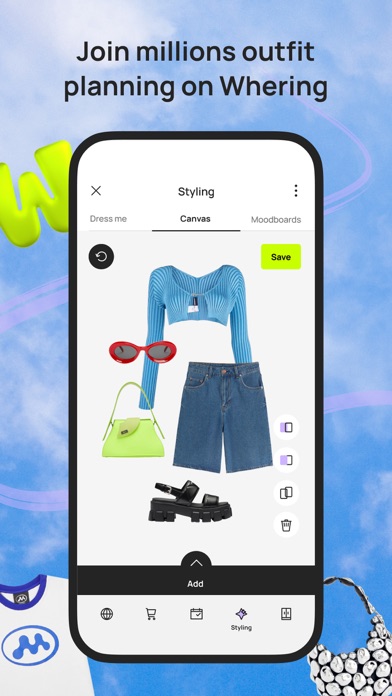
Best for: free digital closet remixing, outfit shuffle, packing lists, and moodboards.
Whering is strong when you want to upload clothes and see more outfit combinations from what you already own. It is especially useful for users who like visual wardrobe play: shuffling outfits, building packing lists, and creating moodboards from existing items.
Where it is strongest: wardrobe visibility and remixing. Watch out: if you need direct outfit critique or deeper AI styling feedback, Beauty AI is stronger.
Indyx
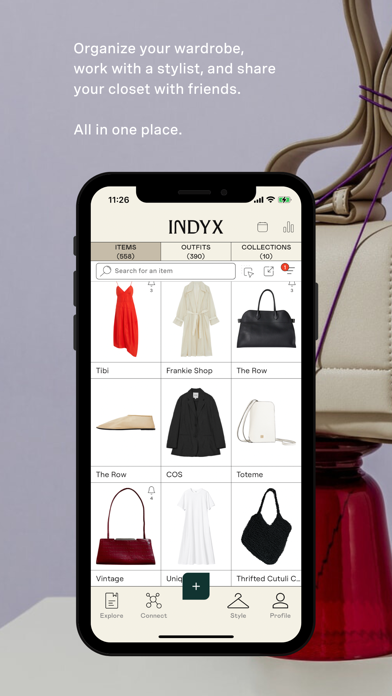
Best for: closet cataloging with a more guided styling and wardrobe-service angle.
Indyx is relevant when you want the "shop your closet" workflow to feel more curated. Its strength is the combination of wardrobe documentation, outfit boards, cost-per-wear thinking, and optional human stylist support.
Where it is strongest: intentional wardrobe behavior and styling accountability. Watch out: it may feel more service-led than users who only want instant AI outfit ideas need.
Acloset
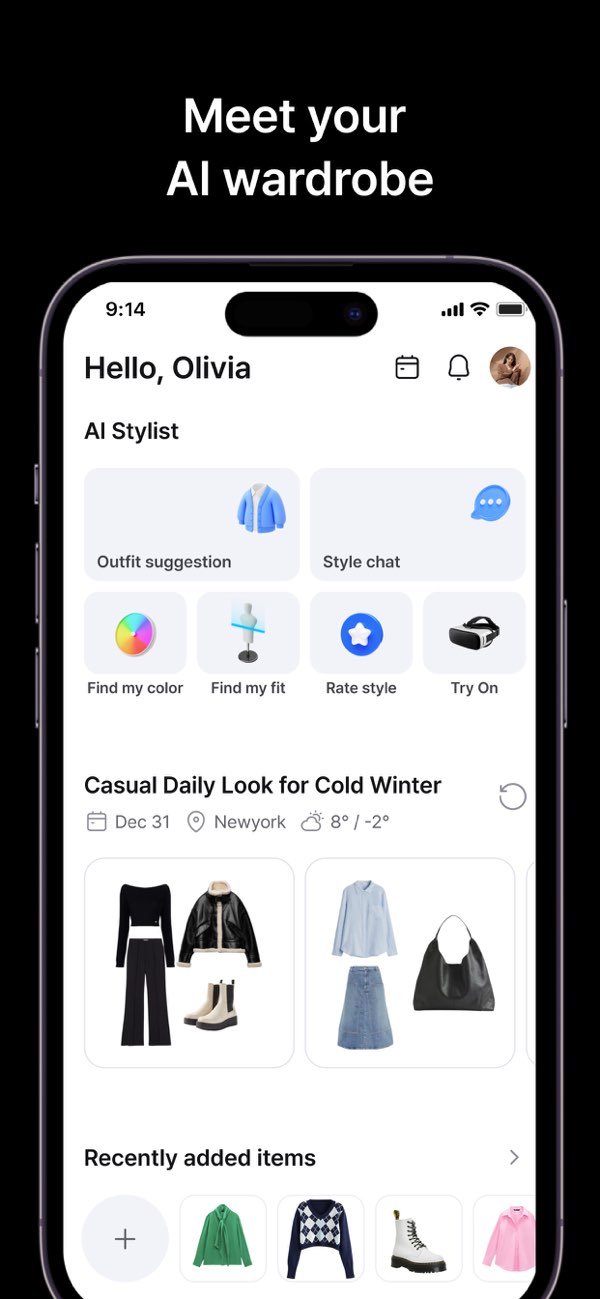
Best for: fast closet setup and daily outfit suggestions.
Acloset works well if the blocker is getting clothes into a digital closet quickly. It helps users upload items, clean images, sort categories, and generate outfit suggestions from the closet inventory.
Where it is strongest: digitization and daily outfit prompts. Watch out: a large closet database still needs a decision layer so you do not just store more unused items.
OpenWardrobe
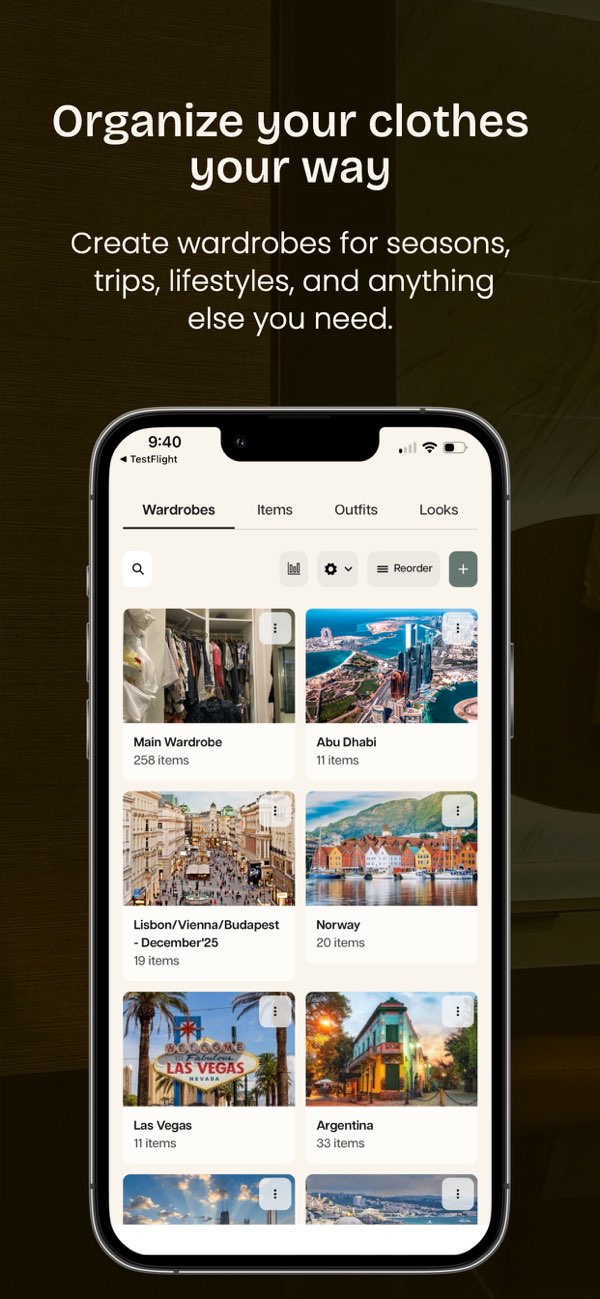
Best for: wardrobe organization, outfit discovery, and community-style inspiration.
OpenWardrobe is useful when you want to organize clothes and explore combinations with a wardrobe-first mindset. It can help turn a crowded closet into visible outfit options, especially if you are willing to save and review looks over time.
Where it is strongest: outfit discovery and wardrobe structure. Watch out: for shopping restraint, you still need to test whether a missing item unlocks several outfits before buying.
Beauty AI's advantage is the AI styling bridge. The hardest part is rarely photographing clothes. The hard part is knowing what to do with them. That is where outfit generation, outfit feedback, color guidance, and image-based style search become useful.
For deeper comparisons, read Beauty AI vs Whering and Beauty AI vs Indyx.
How Beauty AI Helps You Shop Your Closet
Use Beauty AI as a styling assistant for the clothes already in your wardrobe.
- Start with one item you do not wear. A skirt, blazer, dress, shoe, color, or trouser shape.
- Ask for three outfit directions. Casual, polished, and personal-style versions.
- Compare outfit balance. Check color, silhouette, shoe weight, layer length, and occasion fit.
- Save the strongest formula. Keep formulas that you can repeat with similar pieces.
- Identify real gaps. Buy only when a missing piece improves multiple outfits.
- Track what gets repeated. Repeats are not boring. They are proof that your wardrobe is working.
This is how a closet app becomes more than storage. It becomes a smarter style system.
Shop Your Closet Checklist
- Upload 10 pieces you wear constantly.
- Upload 5 pieces you like but avoid wearing.
- Make three outfits for one neglected piece.
- Use shoes as the first reality check.
- Save outfit formulas, not only finished looks.
- Write down false gaps before buying anything.
- Buy only when one missing item completes three or more outfits.
- Track repeat outfits so you know what actually works.
Bottom Line
The best shopping decision often happens before you open a store. When you shop your closet first, you learn which clothes already work, which pieces need better styling, and which gaps are real enough to deserve money.
If you want to create outfits from your existing wardrobe faster, use Beauty AI to generate combinations, compare styling options, and turn your closet into a practical source of daily outfit ideas.
